Service Centre
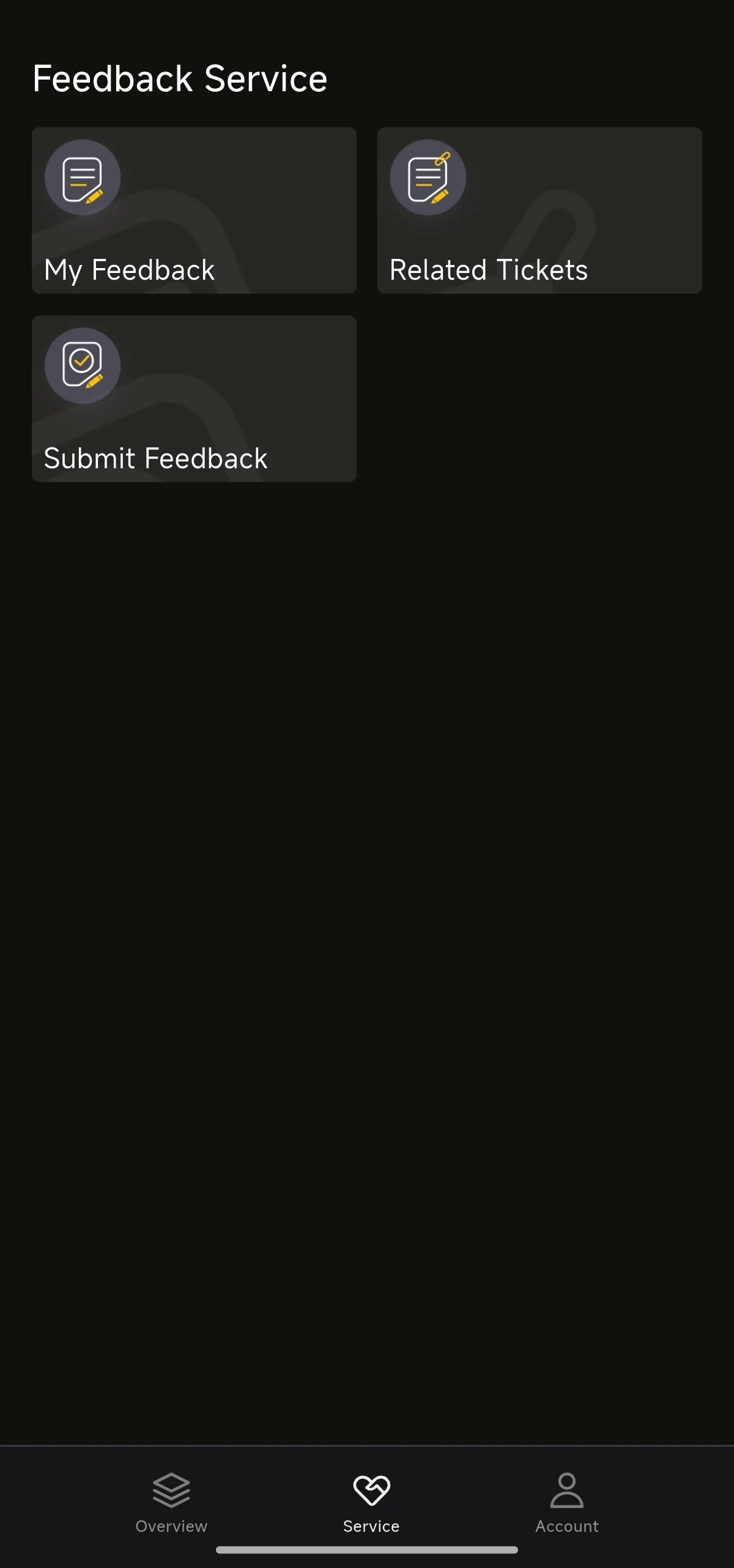
The Service Centre (Feedback Service) lets you view your own feedback, view tickets related to you, and submit new feedback.
Using the Service Centre
- Select Service in the bottom navigation bar.
- Choose My Feedback, Related Tickets or Submit Feedback.
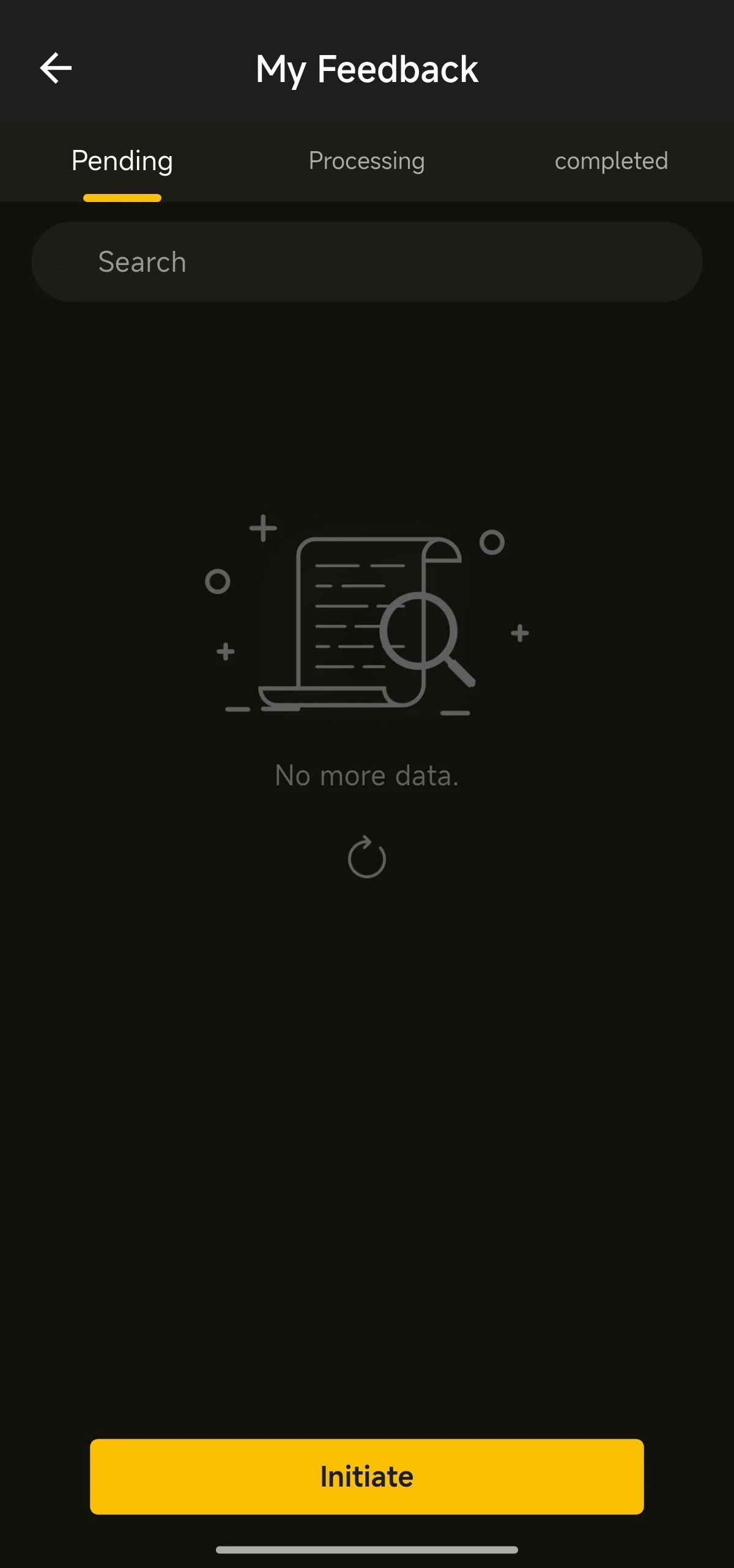
- My Feedback: your records are grouped into Pending, Processing and completed. You can search them, or tap Initiate to start a new one.
- Related Tickets: tickets that involve you.
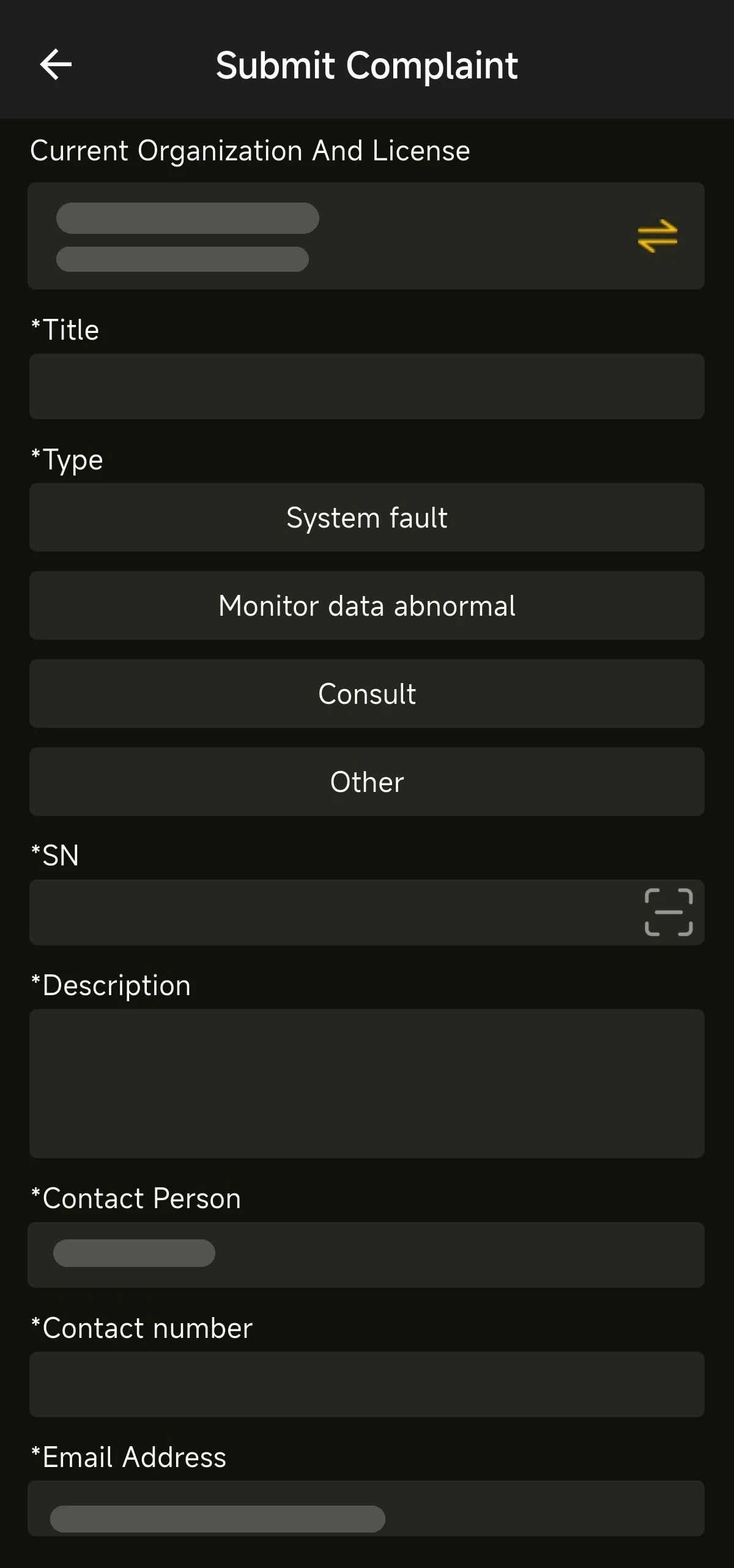
- Submit Feedback: opens the Submit Complaint form. Fill in the Title, choose a Type (System fault, Monitor data abnormal, Consult or Other), enter the SN and Description, check the Contact Person, Contact number and Email Address, then submit.
Once submitted, please refer to the processing status shown in the app.