

About Energy Life App
Who Should Use the Energy Life App
The Energy Life app is designed for users who have purchased:
- AlphaESS energy storage systems of specific models
- AlphaESS authorised partner devices
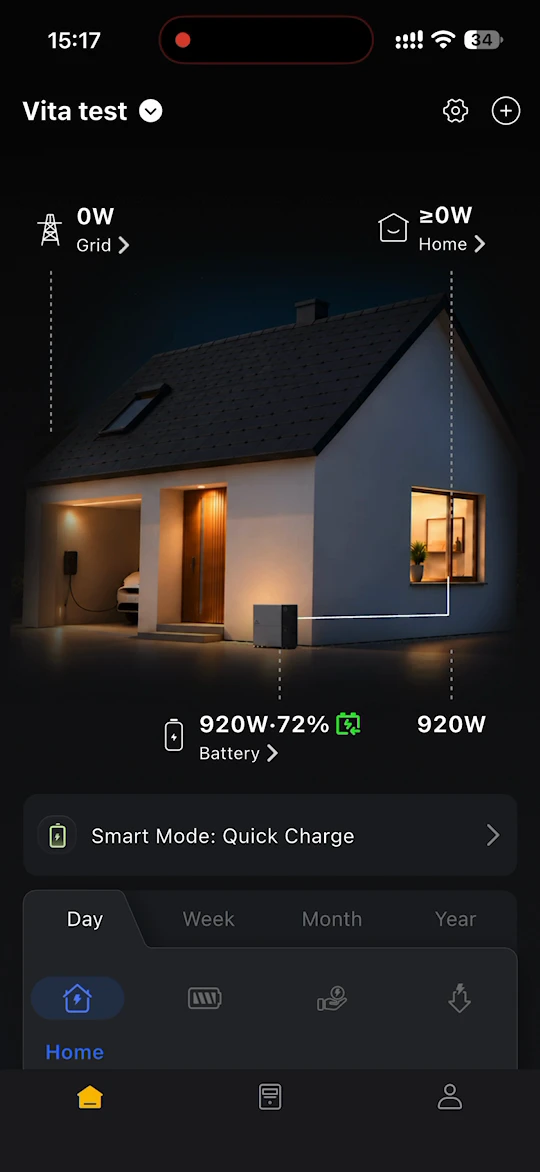
Use this app to monitor your home energy system, track energy production and savings, connect your real electricity prices, and choose how your battery charges and discharges.
TIP
New to Energy Life? Set up in this order:
- Download & Install the app.
- Create your account and log in. See Register & Login.
- Create your first site. See Sites.
- Bind your storage system. See AlphaESS Devices.
- For Alpha 3600 AC, add the grid meter to unlock the advanced smart modes. See Grid Meter.
- If you have a dynamic or time-of-use tariff, connect it (limited beta, selected users only). See Electricity Prices.
- Choose how your battery runs. See Modes Switch.
DANGER
Compatibility Note:
The Energy Life app is compatible with selected AlphaESS devices only.
For AlphaESS SMILE series or other residential and C&I models, use the AlphaESS app instead.
Supported Devices:
Energy storage device:
- VT1000
- Alpha 3600 AC
Monitoring accessory:
- P1 Meter, for VT1000
- Smart Plug, for VT1000
- SMILE-A-AECP1-R12-WB grid meter, for Alpha 3600 AC
Third-party monitoring accessory:
- Shelly series. See Third-Party Devices for the supported models.