

Register & Login
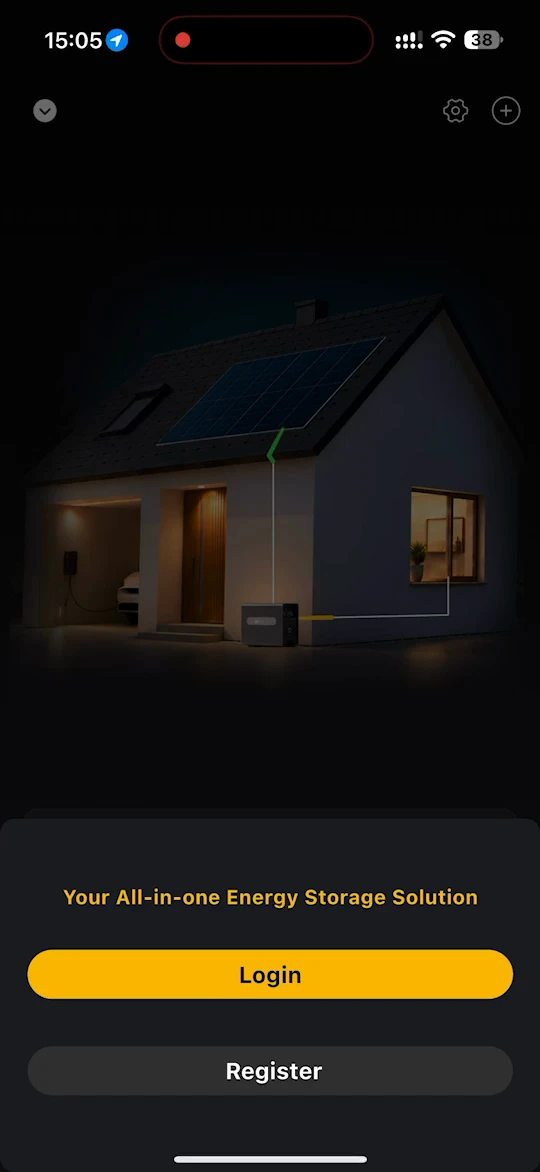
When you launch the app, the welcome page offers two options: Login and Register.
Registration
- Tap Register.
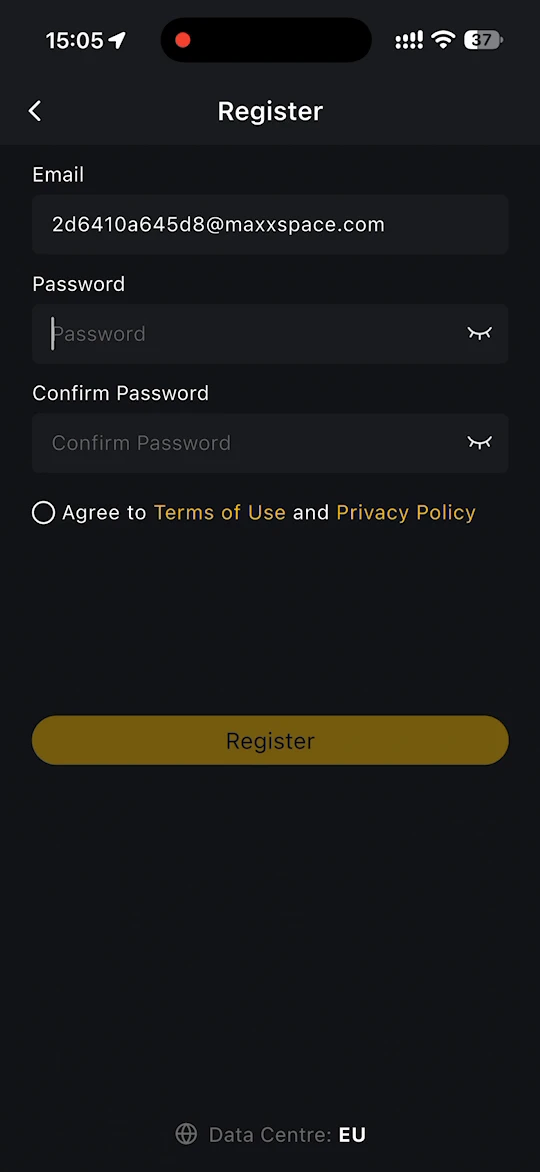
- Enter your Email, then enter a Password and enter it again under Confirm Password.
- Select Agree to Terms of Use and Privacy Policy, then tap Register.
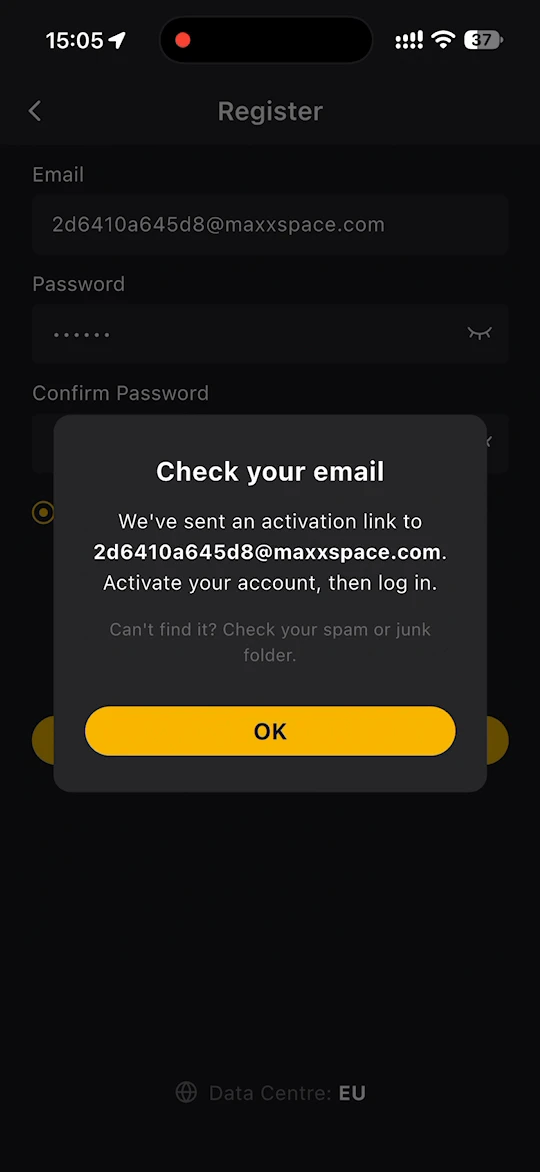
- A Check your email message appears. Open the activation link we have sent to your email address to activate your account, then log in.
INFO
- If you cannot find the activation email, check your spam or junk folder.
- The Data Centre shown at the bottom of the page is the server region your account is registered in, for example EU.
Login
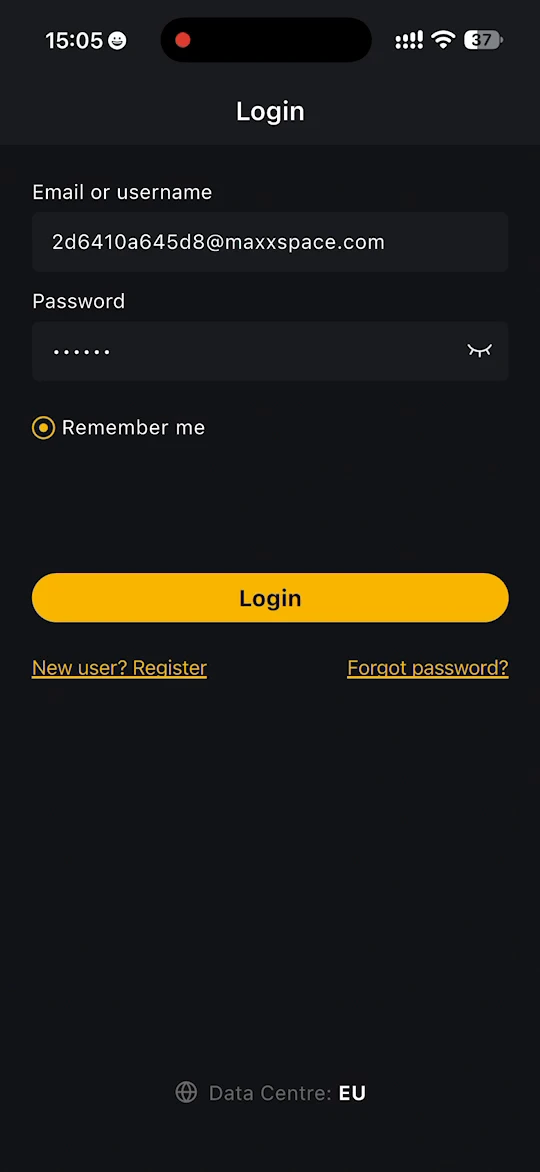
- Tap Login on the welcome page.
- Enter your Email or username and your Password.
- Select Remember me if you want the app to keep you logged in on this phone.
- Tap Login.
If you do not have an account yet, tap New user? Register. If you have forgotten your password, tap Forgot password? and follow the prompts to reset it.
The first time you log in, the app asks you to create your first site. See Sites.