Personal Information
Tap Me at the bottom of the app to see your account email, the Data Centre your account is registered in, and the following options. Tap the bell icon in the top right corner to see your messages.
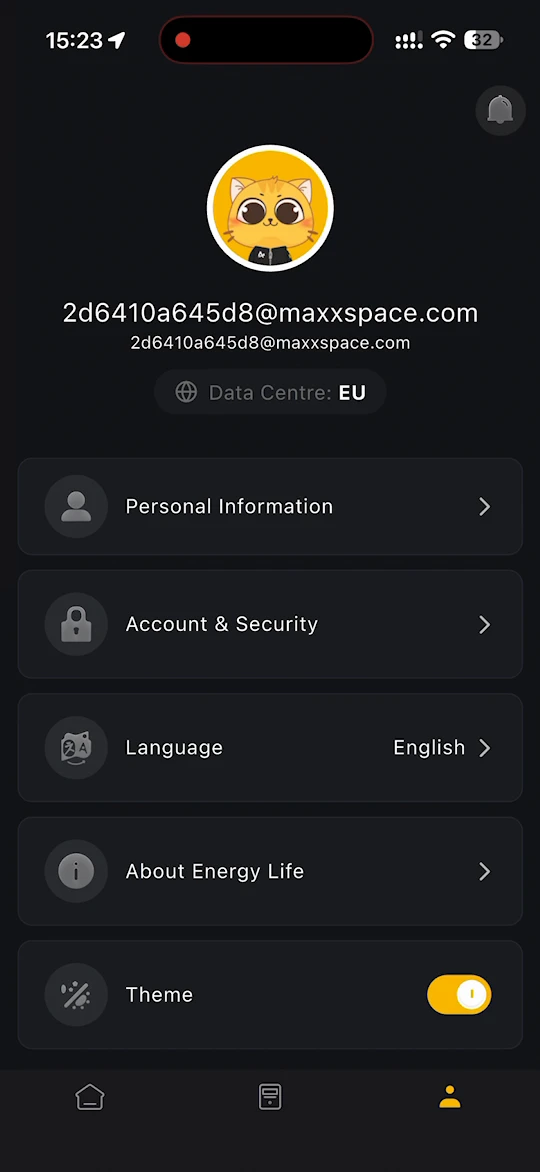
- Personal Information - view and edit details such as your nickname, email address and phone number.
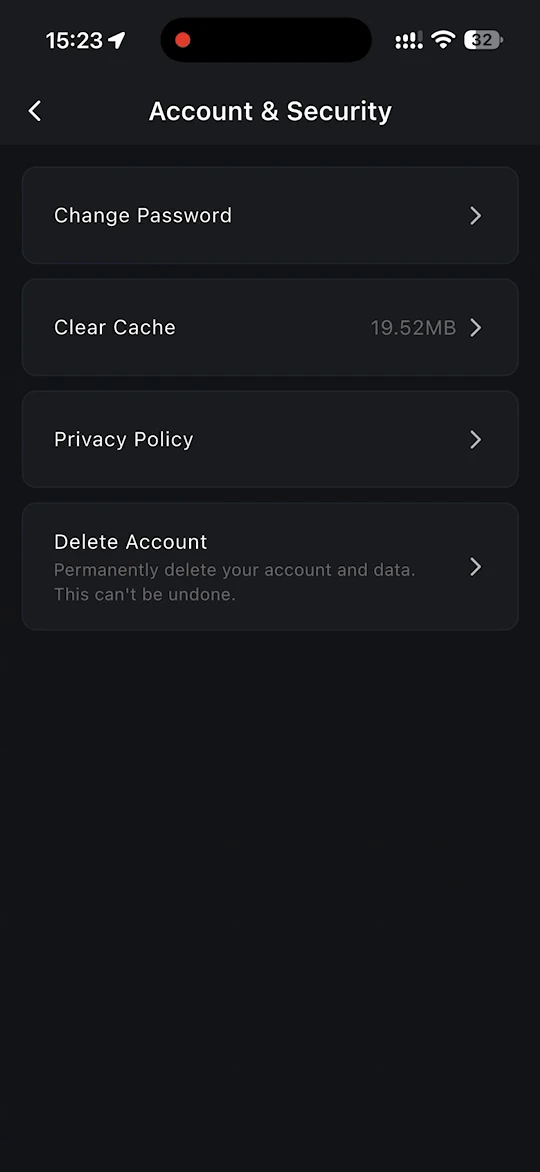
- Account & Security
- Change Password - change your password.
- Clear Cache - free up the space the app's cached data uses on your phone.
- Privacy Policy - read the Privacy Policy.
- Delete Account - permanently delete your account and data. This cannot be undone.
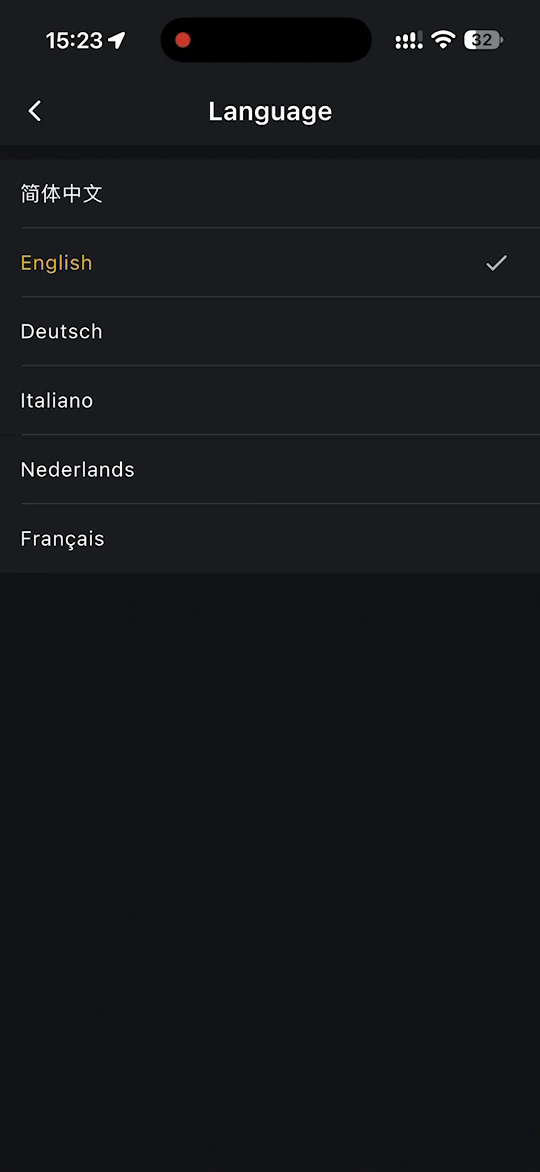
- Language - change the display language of the app. 简体中文, English, Deutsch, Italiano, Nederlands and Français are available.
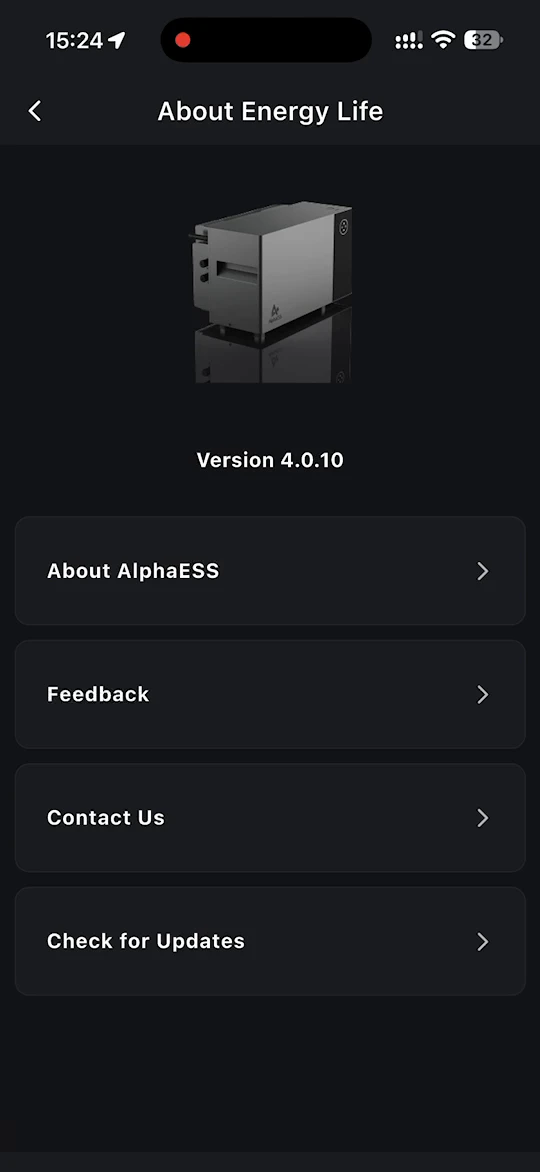
- About Energy Life - check which version of the app you have, and open:
- About AlphaESS - read more about AlphaESS.
- Feedback - fill in the feedback form to report a problem with your product.
- Contact Us - find the online service centre and the service hotline.
- Check for Updates - check whether a newer version of the app is available.
- Theme - switch between the dark and the light theme.
- Logout - log out of the app.