

Registration (Installation Partner Organisation Registration)
Prerequisites
- Only installer organisations can self-register through the app.
- One email account can join multiple organisations, but holds only one role within each organisation.
- Your country / region determines which data centre you are connected to and which review rules apply: AU / NZ applications can be approved automatically if the conditions are met, whilst applications from other countries / regions go through manual review.
Registration Steps
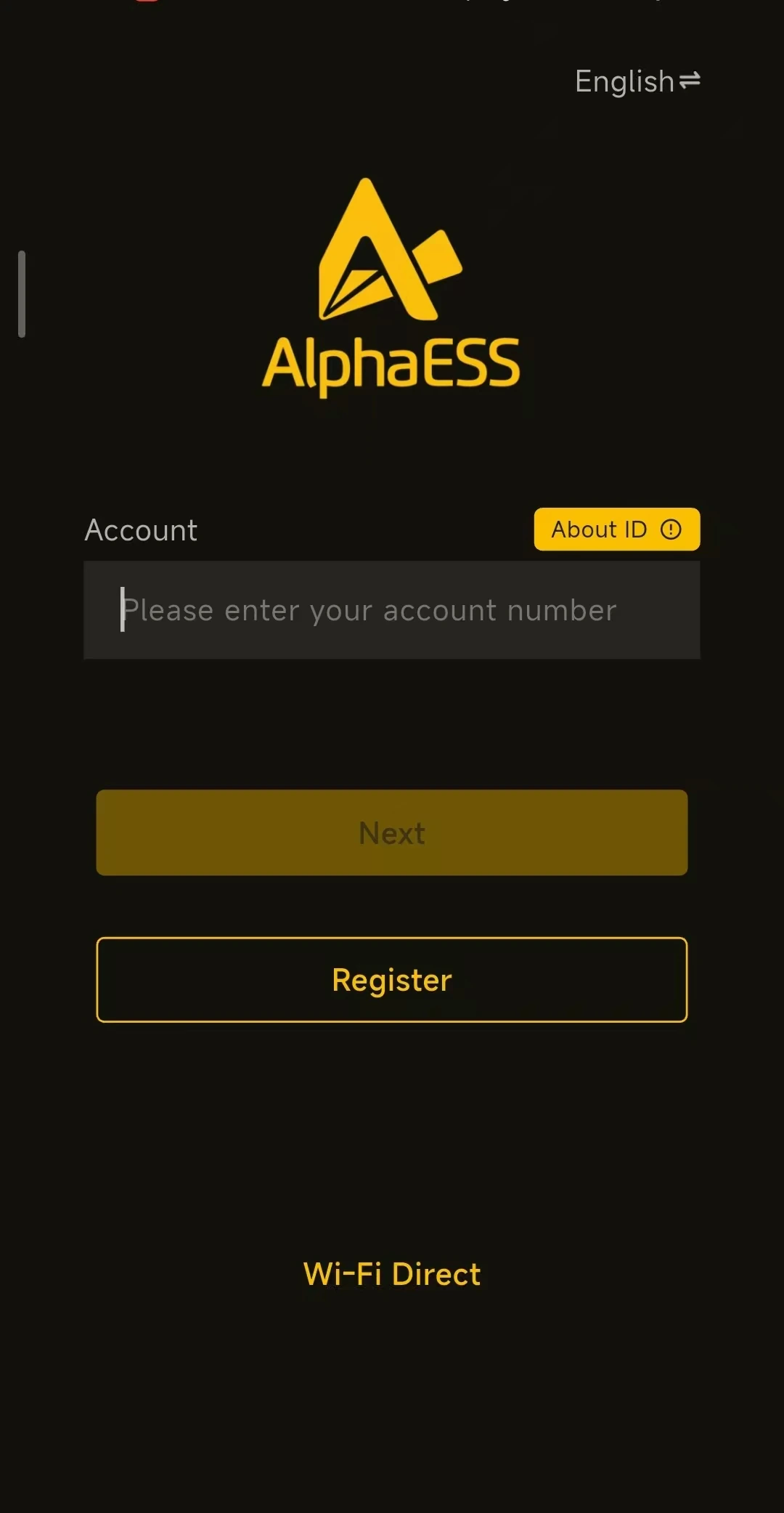
- Open the Alpha Partner App and tap Register on the login page.
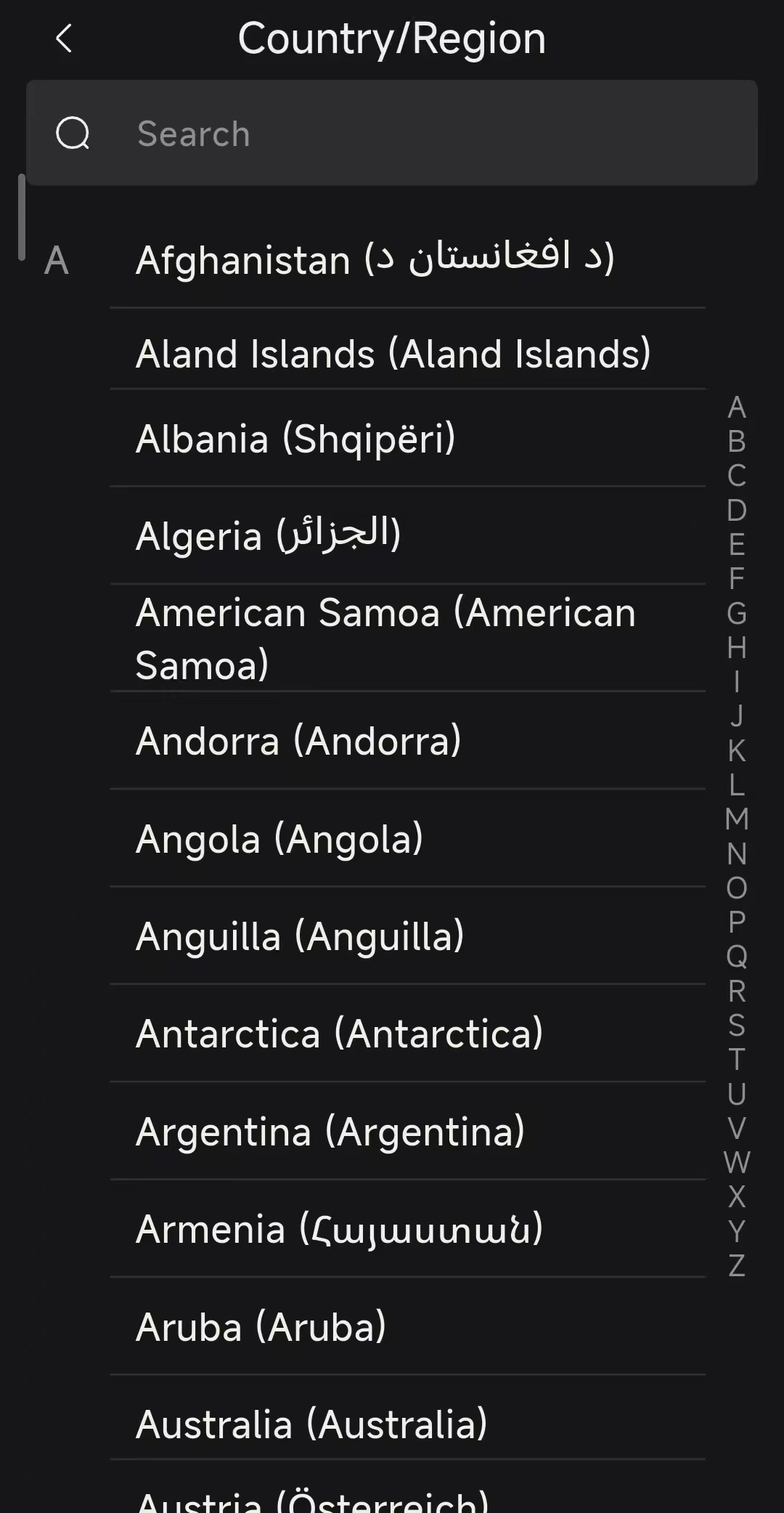
- On the Country/Region page, select your country / region (use the location where you actually operate, as this determines the data centre and the review rules). You can use Search to find it quickly.
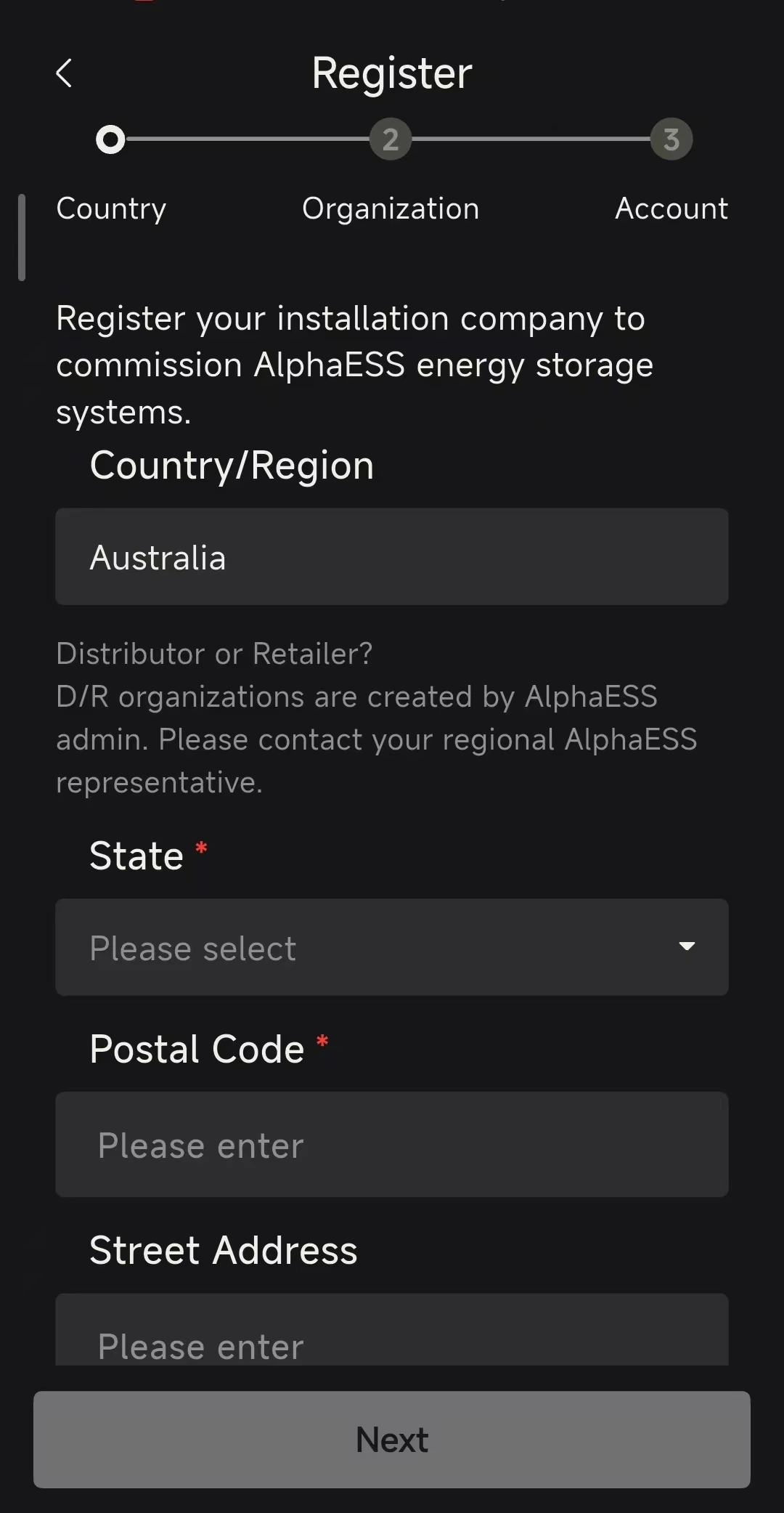
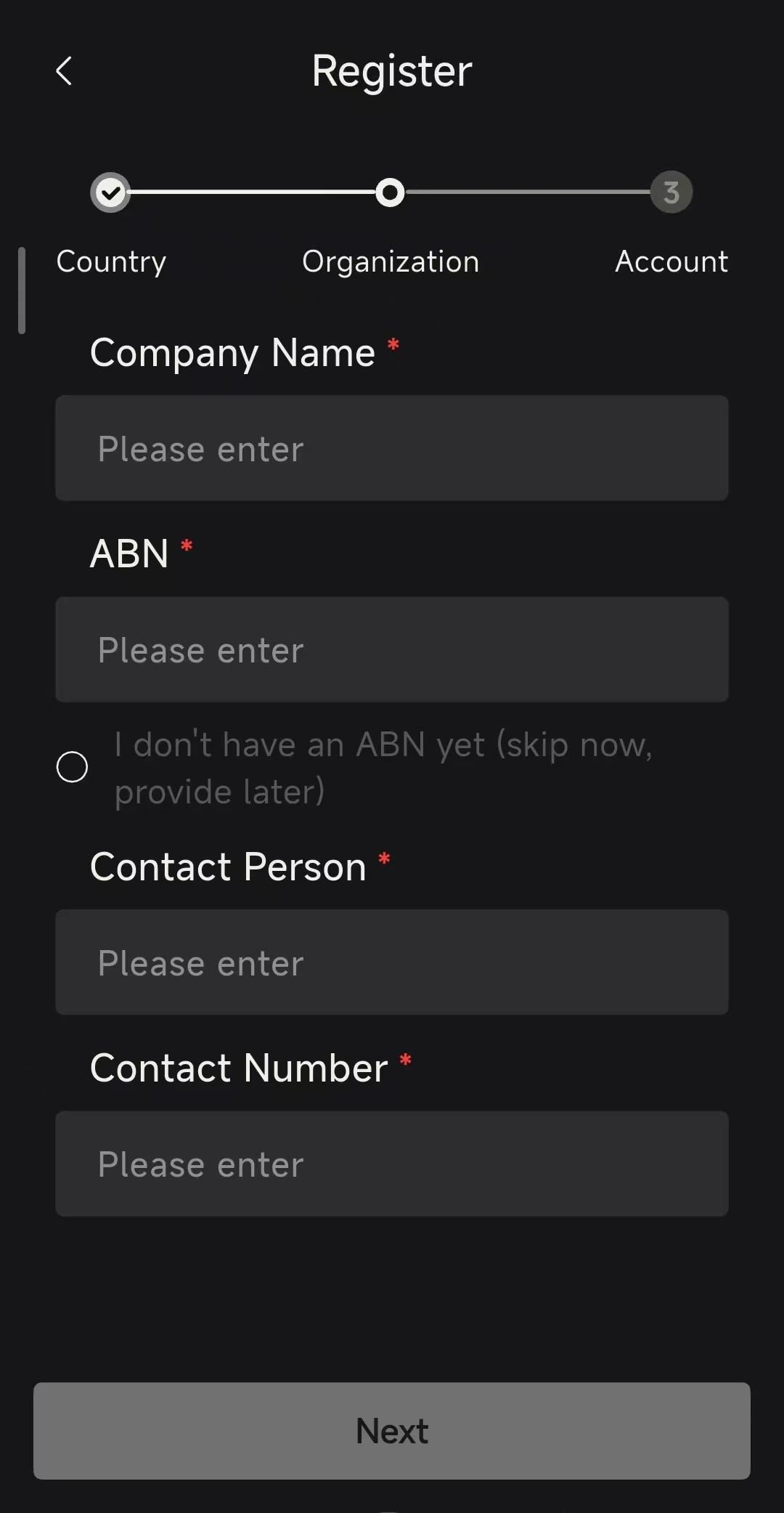
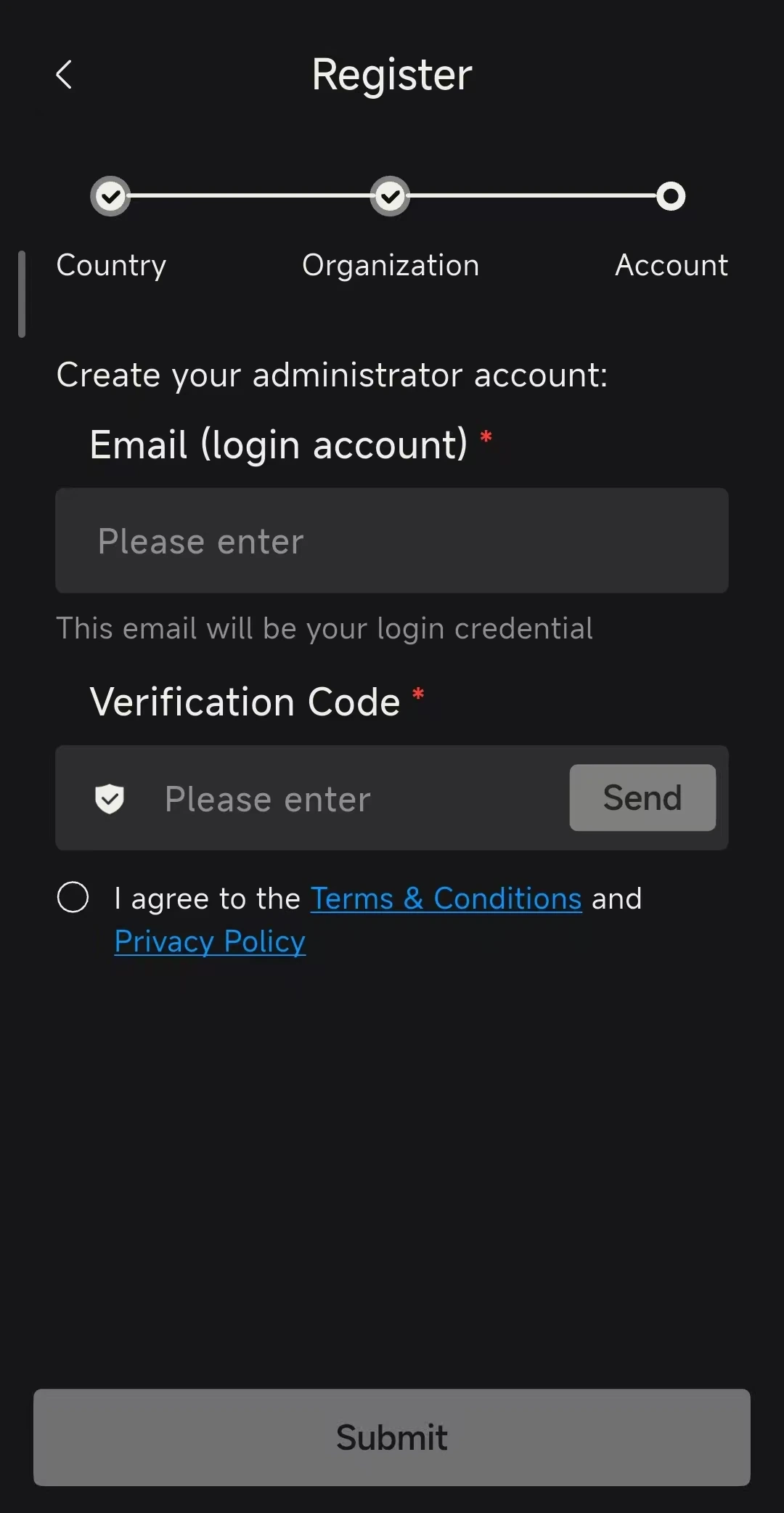
- Registration then takes three steps: Country → Organization → Account.
- Country: check the Country/Region, then fill in State, Postal Code and Street Address, and tap Next.
- Organization: fill in Company Name, ABN, Contact Person and Contact Number, and tap Next. If you do not have an ABN yet, tick I don't have an ABN yet (skip now, provide later).
- Account: create the administrator account. Enter Email (login account) — this email will be your login credential — tap Send and enter the Verification Code from the email.
- Tick I agree to the Terms & Conditions and Privacy Policy, then tap Submit.
Review Result and Activation
- AU / NZ: approved automatically if the conditions are met, so you can log in straight away.
- Other countries / regions: your application goes to manual review and the outcome is sent to you by email — either approved or rejected (including the reason for rejection). No additional emails are sent whilst your application is pending.
- Once approved, log in with the account you registered.