

Time-based Scheduling
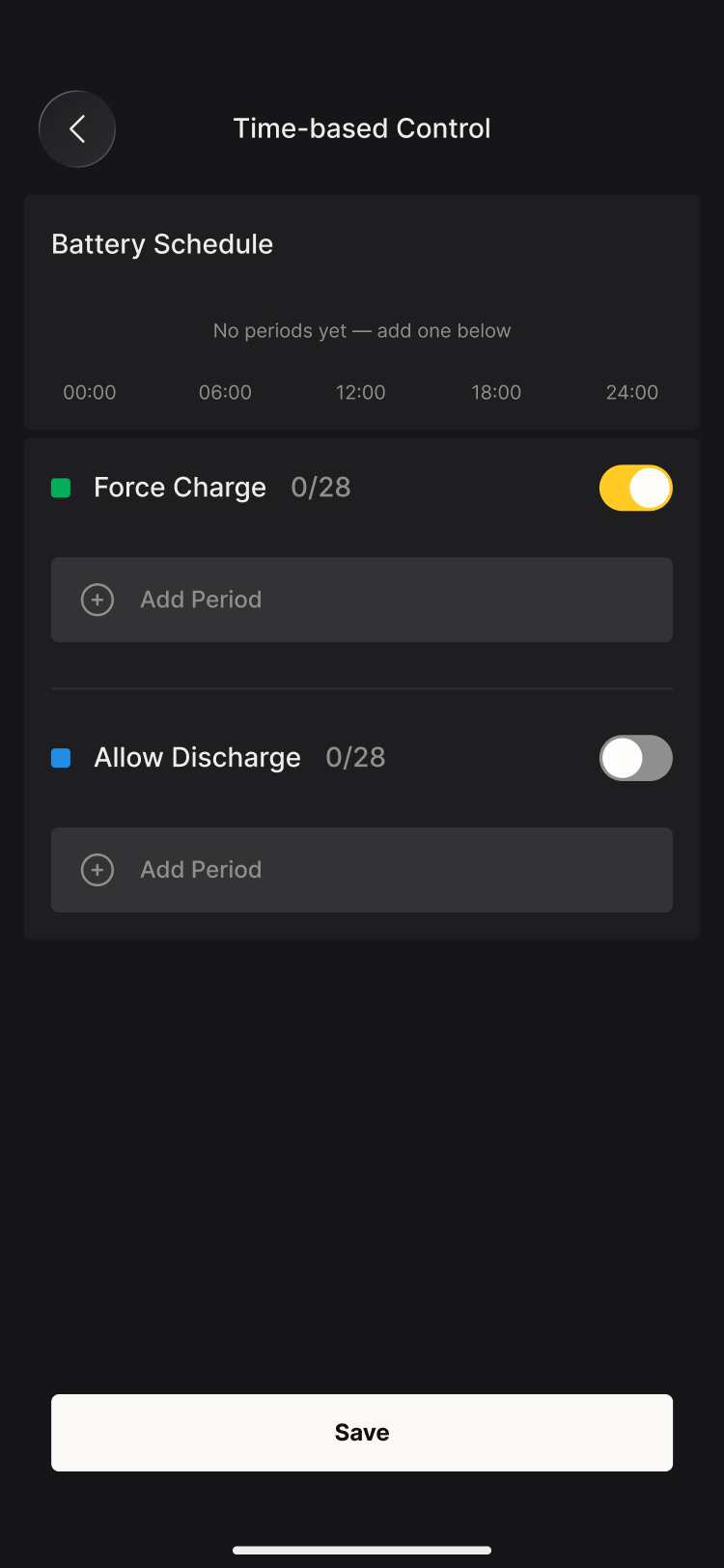
You have complete freedom to set up charging and discharging schedules
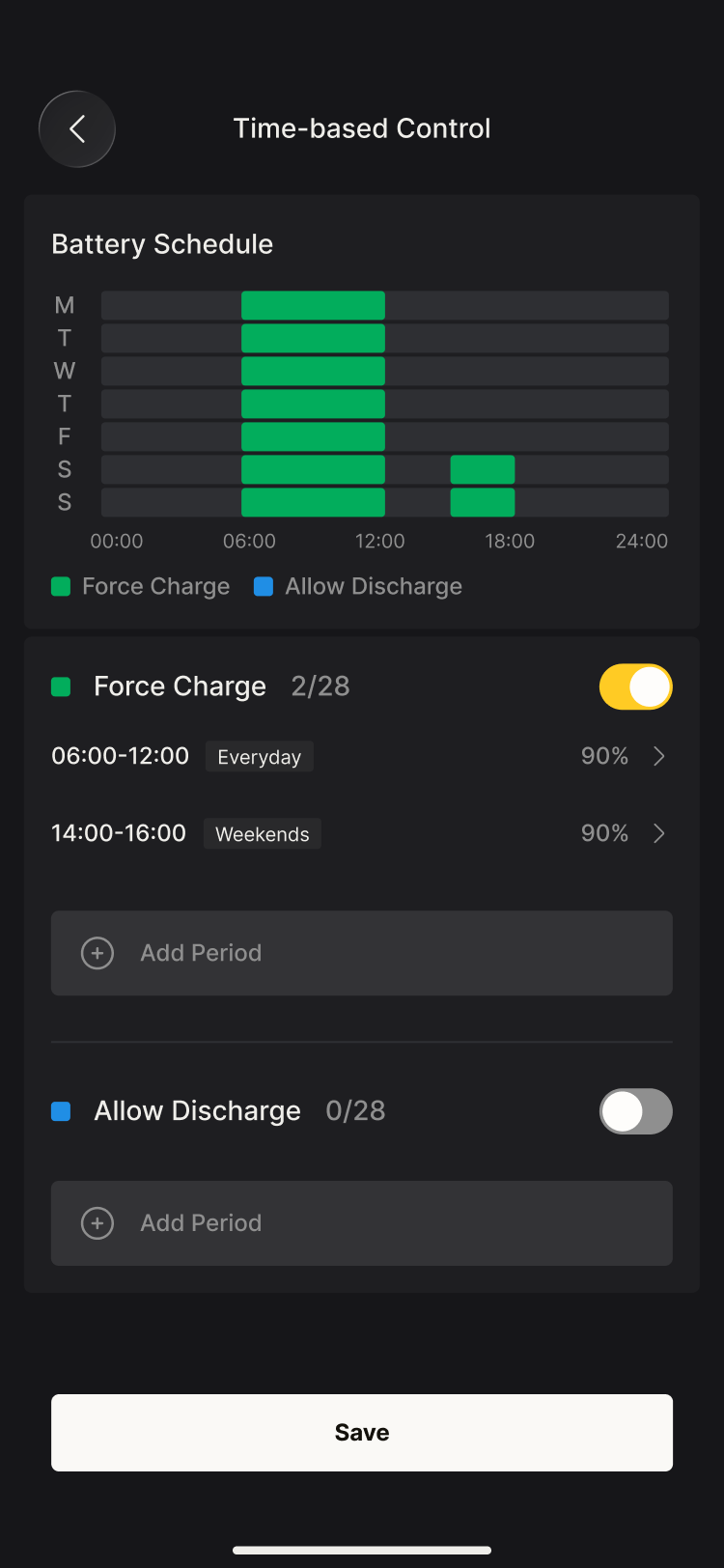
Periods are organised into two groups — Force Charge and Allow Discharge — each with its own on/off switch and room for up to 28 periods.
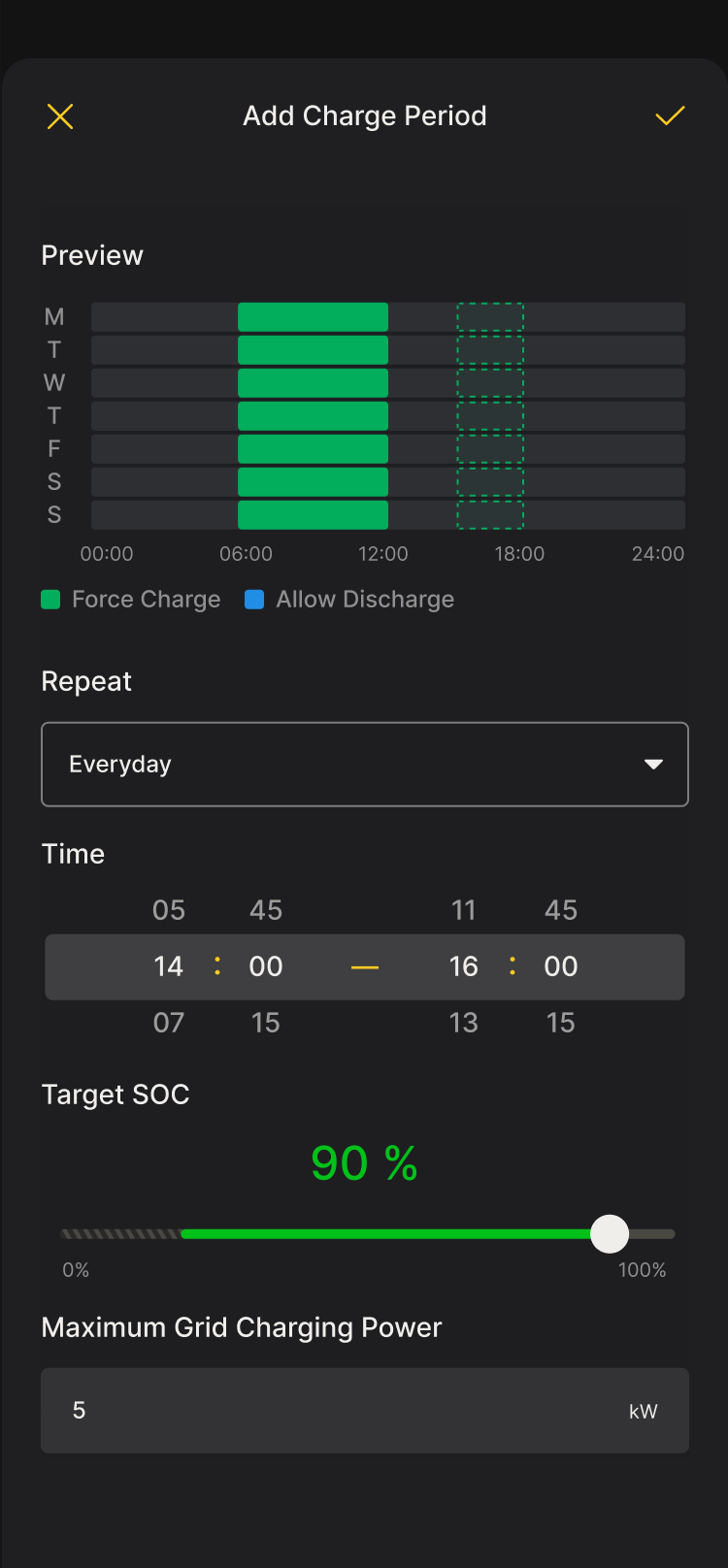
Each period includes:
- The days it repeats on (e.g. Everyday or Weekends)
- Start and end times (in 15-minute increments)
- For charge periods: the target SOC (charging stops once the battery reaches the set value) and the maximum grid charging power
The battery schedule is displayed on a weekly timeline, and a live preview shows where each new period will land before you confirm it. Periods can be added or edited at any time; tap Save to apply your changes.
Use cases
- Creating your own high-precision scheduling strategy
- Working out the optimal schedule yourself in regions where market electricity price data is unavailable
The system ensures there are no conflicts between schedules, keeping your equipment operating safely.
INFO
Note: the features shown on this page may vary between models. Please refer to your actual device.